
UKBankConnect.co.ukGet started
[ UKBANKCONNECT.CO.UK / AGENTOS ]
Connect your accounts once. Then let your software — or your AI — read them, without ever handing over your login.
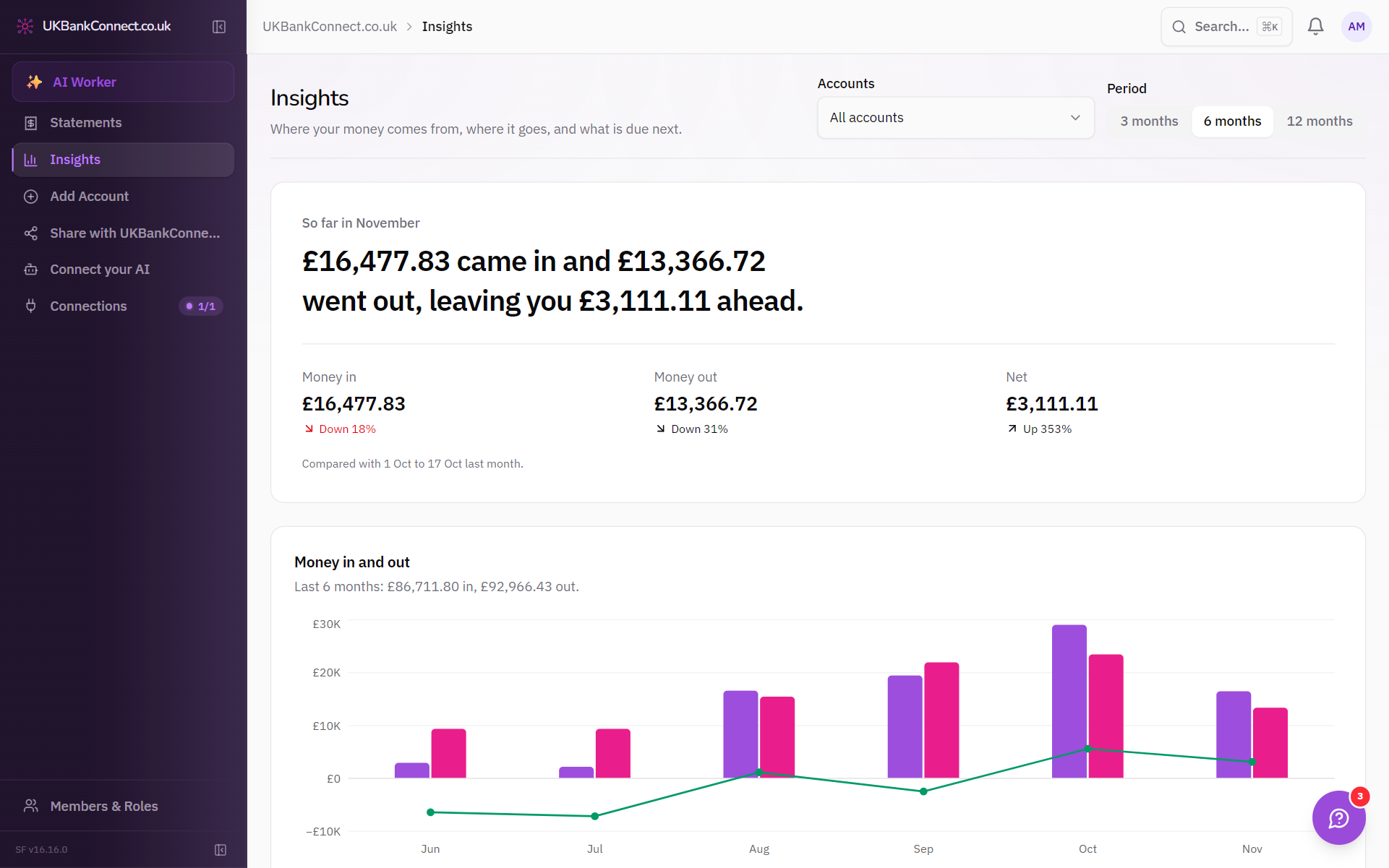
[ SEE ]
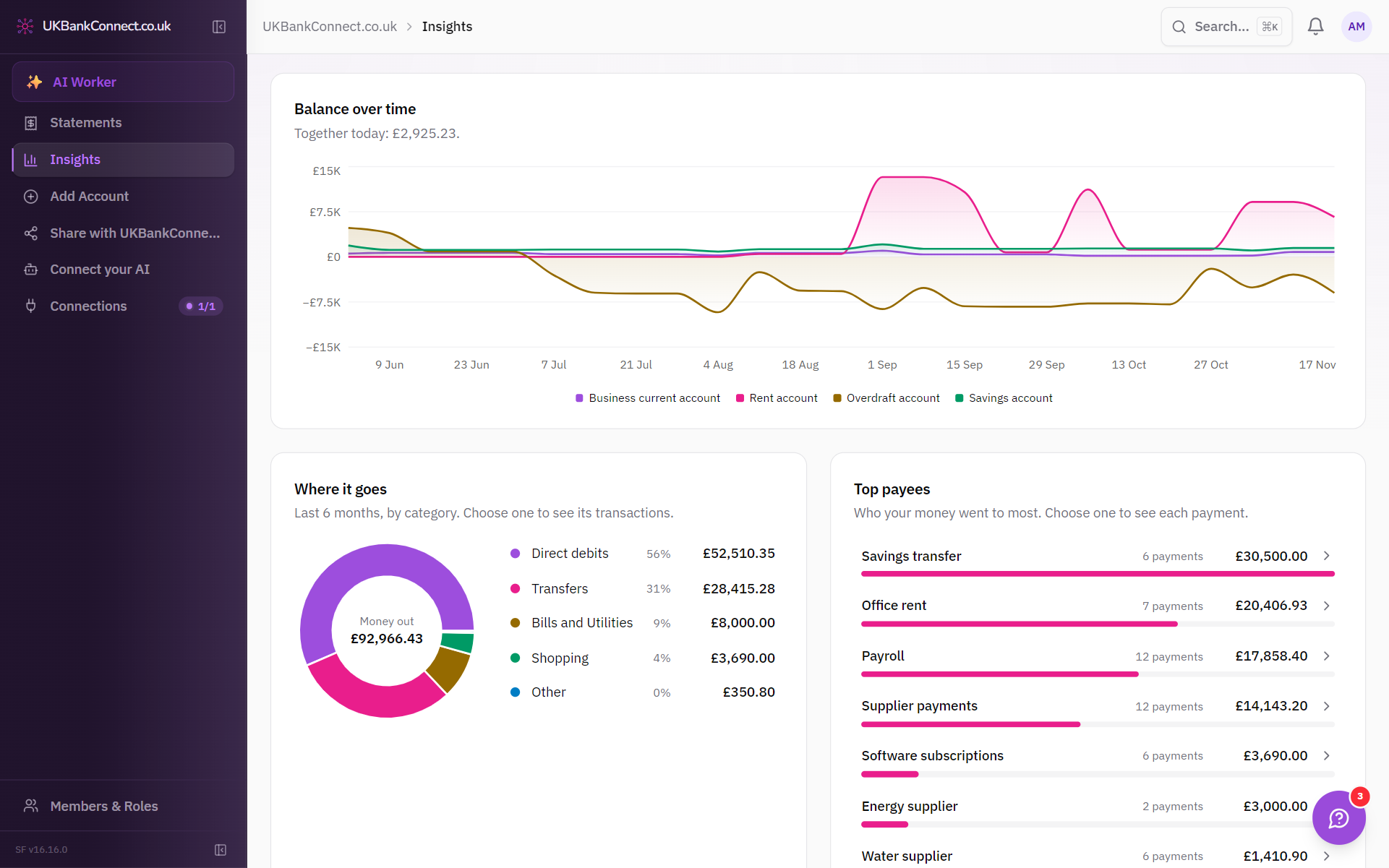
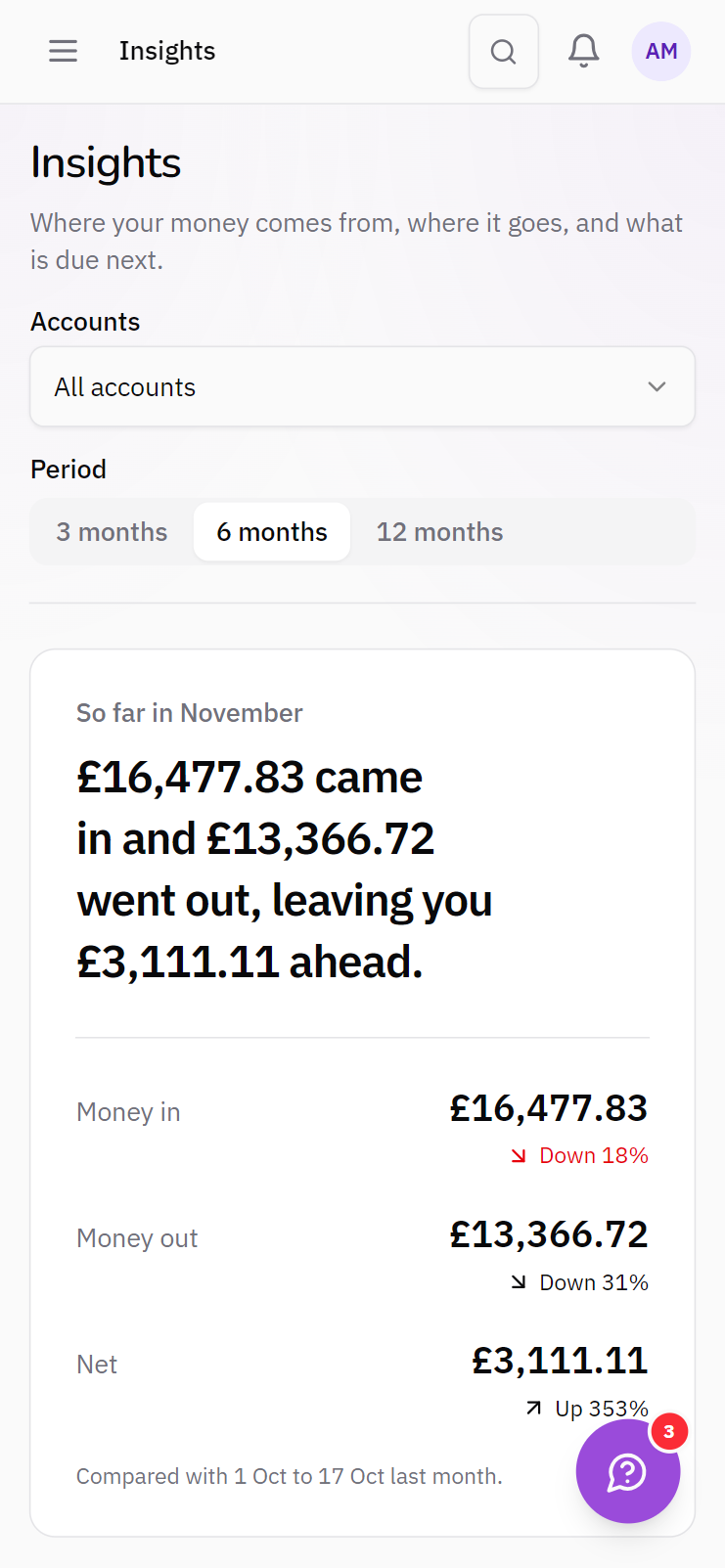
Balances over time, spending by category and your biggest payees — worked out from your transactions, for every account.
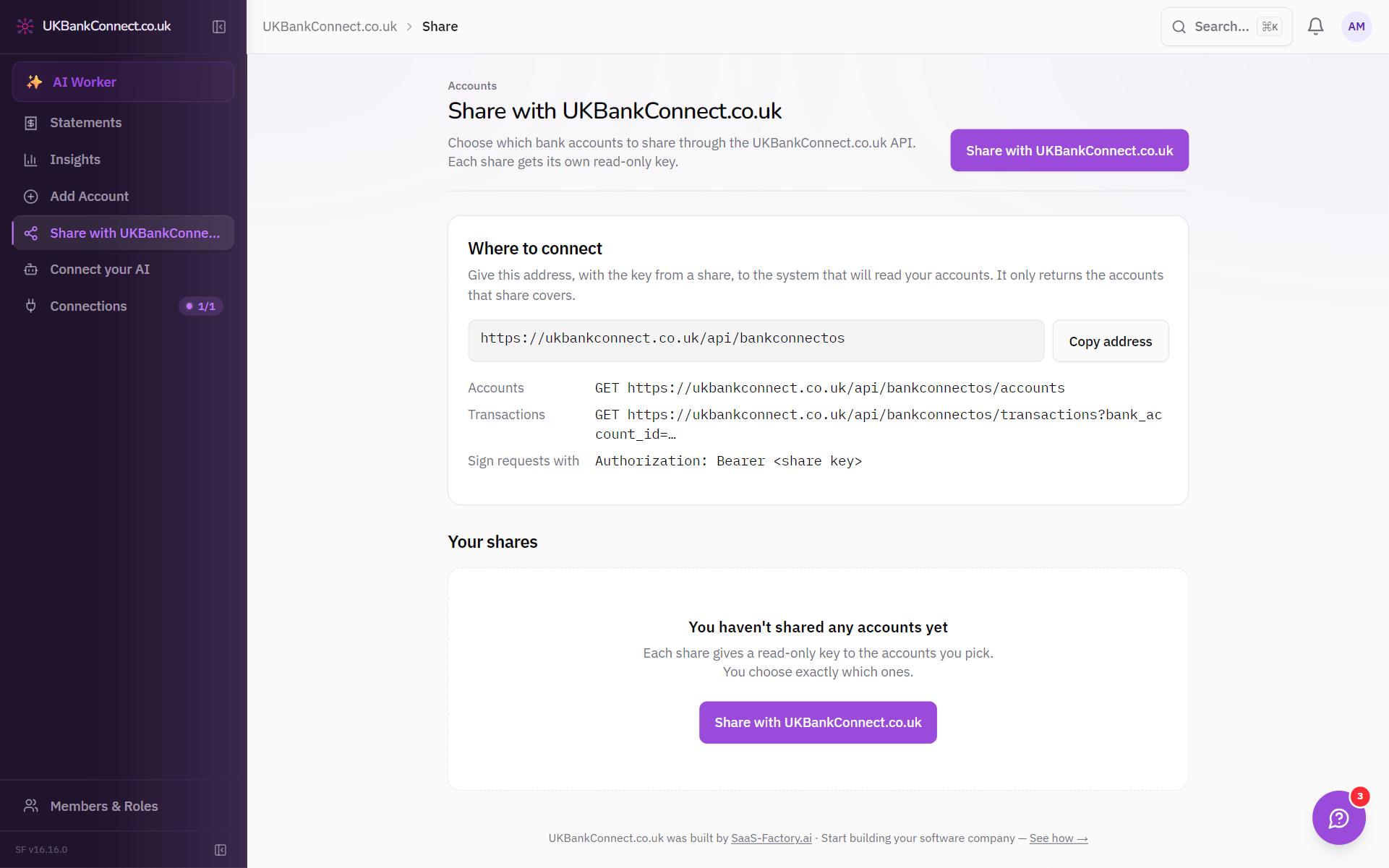
[ SHARE ]
Create a read-only key in one click, hand it to the system that needs your figures, and revoke it the moment you're done.
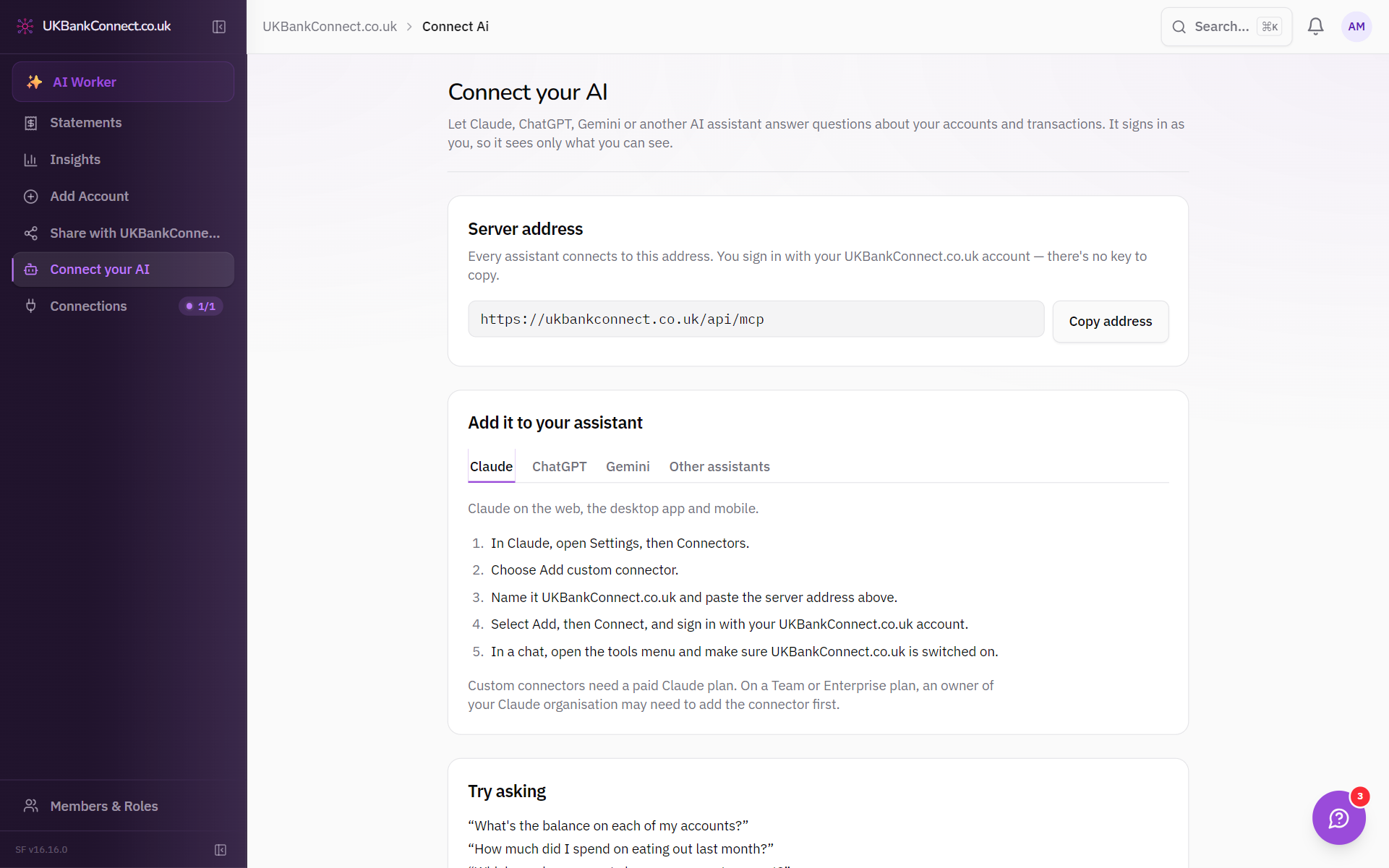
[ ASK ]
Connect Claude or ChatGPT and ask in plain English — what went out on fuel last quarter, who has paid you this month, where the cash is going.
[ ANYWHERE ]
Every account and every insight, on any screen.
Nothing connected to your account can move money or change a transaction.
Every key can be switched off from the product in a click.
You approve access on your own bank's screen. We never see your banking password.
[ PRICING ]
Usage is charged on top of the plan. Rates can differ by plan — choose one to see its rates.
| Usage item | Price | Included in plan |
|---|---|---|
| Connected bank account | £2.50 per account | None |
UKBankConnect.co.uk is provided by agentOS Proptech Group Ltd, a company registered in England and Wales with company number 05409547. Registered office: 13 Lambourne Crescent, Cardiff Business Park, Llanishen, Cardiff CF14 5GF. VAT number GB264112238.
agentOS Proptech Group Ltd is acting as an agent of TrueLayer, who is providing the regulated Account Information Service and is Authorised and Regulated by the Financial Conduct Authority under the Payment Services Regulations 2017 and Electronic Money Regulations 2011 (Firm Reference Number: 901096).
[ FAQ ]